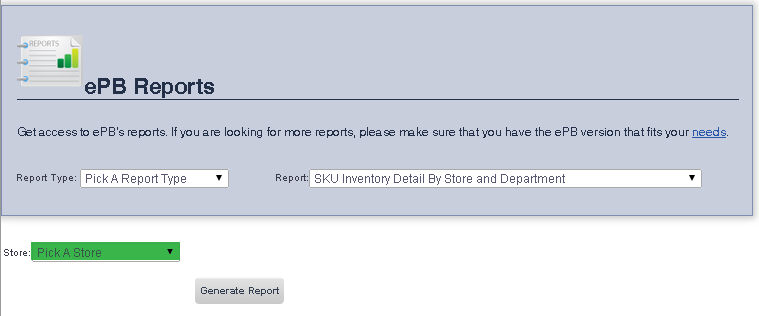
The SKU Inventory Detail by Store and Department Report allows you to view your inventories' SKUs, Description, Cost per Item, Retail Price, Quantity, Total Retail and Total Cost.
To get to the SKU Inventroy Detail By Store and Department Report select Reporting from the Main Toolbar and then click View/Print Report. On the View/Print All Report Page, select SKU Inventory Detail By Store and Department from the Report drop down menu.
To view a report for all of your stores:
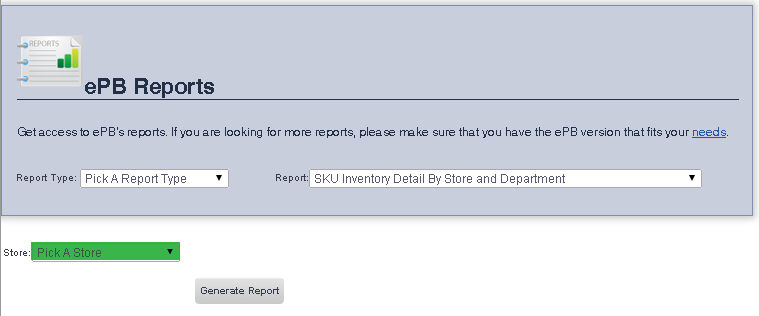
1. Ensure that Pick a Store is selected from the Store drop down menu.
2. Click the Generate Report button.
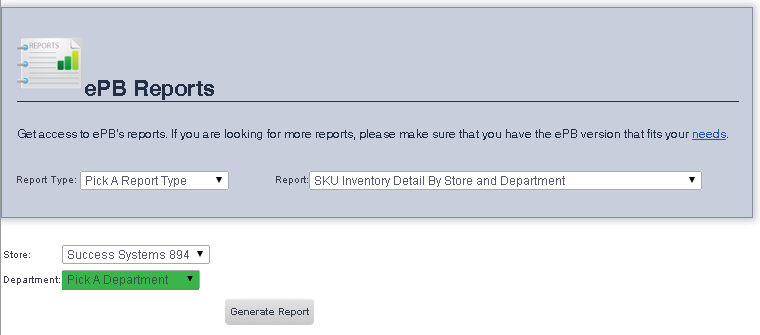
To view a report for a single store:
frmReports.aspx and frmReportWrapper.aspx