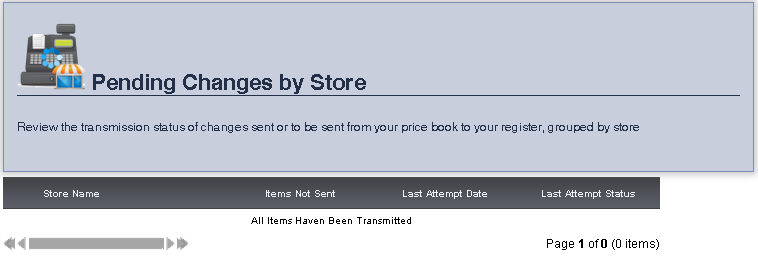
The View Pending Changes by Store page allows you to view the transmission status of changes sent from your price book to the register, grouped by store.
1. From the Main Toolbar, select Admin, then Register Synchronization, then click View Pending Changes by Store.
The Items Not Sent, the Last Attempt Date, and the Last Attempt Status for a pending change will be displayed, grouped by Store Name.
frmStoreSendStatus.aspx